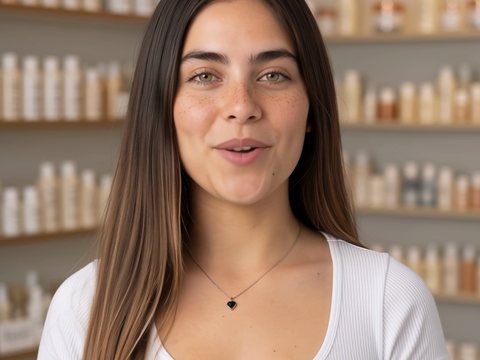
Talking to camera
Removes pauses and filler words, keeps the best and adds captions.
 Your Online Editor
AI video editor · in your browser
You shoot; it cuts, arranges and adds captions, music and your brand. Before editing it tells you what it will do, and if something is off you fix it without starting over.
26 of 50 free trial spots left · your account is active right away
Ready-made styles
Each style brings its own pace, type and way of cutting. Pick one, the assistant applies it to your videos, and you can change it anytime.
Removes pauses and filler words, keeps the best and adds captions.

You record the voice and the assistant covers each line with your shots.

Cuts land on the beats of the song.
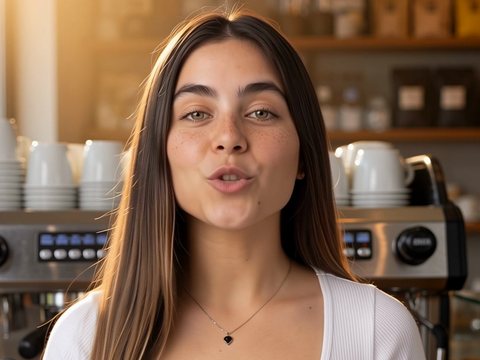
Styled captions on a video you already finished.
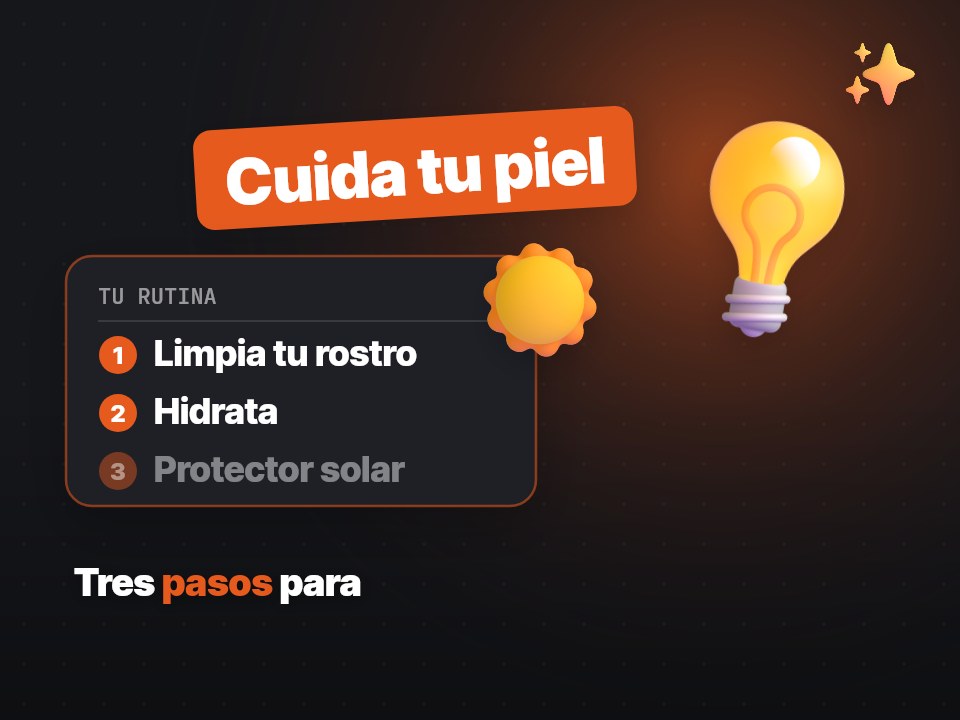
Titles, lists and drawings that follow what you say.

Your product, what makes it special and your @ in a short video.
How it works
Phone or camera videos, audio and images. Up to 15 videos per request.
In your own words, typed or as a voice note.
“A 30-second reel with the best parts”It tells you what it saw and how it will build it. Say yes or ask for another idea.
Before export it looks for black frames, audio jumps and empty text.
You get it vertical and horizontal. If something is off, tap it and it gets fixed.
What it does for you
Cuts silences and repeated takes, orders your clips and joins them.
See the plan in plain words and decide before spending a video.
Remove a word, swap a shot or the music, and the rest stays the same.
One edit goes out for social and for wide screens, following the person.
Before export it checks black frames, audio cuts, empty text and levels.
Comment on the exact second and approve without opening a computer.
Timeline, tracks and graphics, with the assistant beside you to ask for changes.
Your colors, your font and your @ are saved for all your videos.
Animated captions you can correct and background music that never buries your voice.
Who it is for
Post more often without editing all night.
Show your products in videos that look professional.
Deliver pieces for several clients, each with its own brand.
Build the first cut in minutes and refine it in the full editor.
Share the video for review and approve it from a phone.
Plans
Paid plans are coming soon. Anyone who joins the beta now keeps founder pricing.
Your account is active right away and you can make up to 50 videos a month during the beta.
26 of 50 free trial spots left
Start freeTo post every day, with more videos a month. We will email you when it opens.
Several people, several brands and phone approval for each client.
Questions
No. Upload what you shot, say what you want and the assistant edits it. If you prefer to do it yourself, you have the full editor.
No. It works in the browser on your phone or computer.
Yes, during the beta: there are 50 spots with the account active right away. Anyone who joins now keeps founder pricing.
A short video takes 1 to 3 minutes. Several long clips take a few minutes more. We email you when it is ready.
Yes. Download a package with the XML, the videos and the graphics on separate tracks.
No. Your files are yours and are only used to make your edit.
Create your account, upload what you shot and say what you want.
Start free26 of 50 free trial spots left · your account is active right away